



HydroApp support
Quick help with the app. If you are stuck, a real person is a message away.
Talk to us
Email support@hydrocanwater.com or message us on WhatsApp. A real person replies, usually within a day. Tell us your iPhone model and what you were doing, and add a screenshot if you can.
Getting started
Download HydroApp from the App Store, create an account with Apple or your email, then answer a few questions about you. Connect Apple Health or Whoop if you have them, or skip and add your training yourself. Your lake starts filling with your first drink.
Want to look around first? Turn on Sample data in Settings to see a full day.
Apple Health and Whoop
Apple Health shows nothing
Open the iPhone Health app, tap your picture, then Apps, then HydroApp, and turn on the types you want to share. Then pull down on Today in HydroApp to refresh.
Whoop will not connect
In HydroApp, open Settings and, under Connected, tap Connect next to Whoop. Sign in on the Whoop page and allow access. If it fails, disconnect and try once more. Whoop data can take a few minutes to arrive after a workout.
Logging drinks
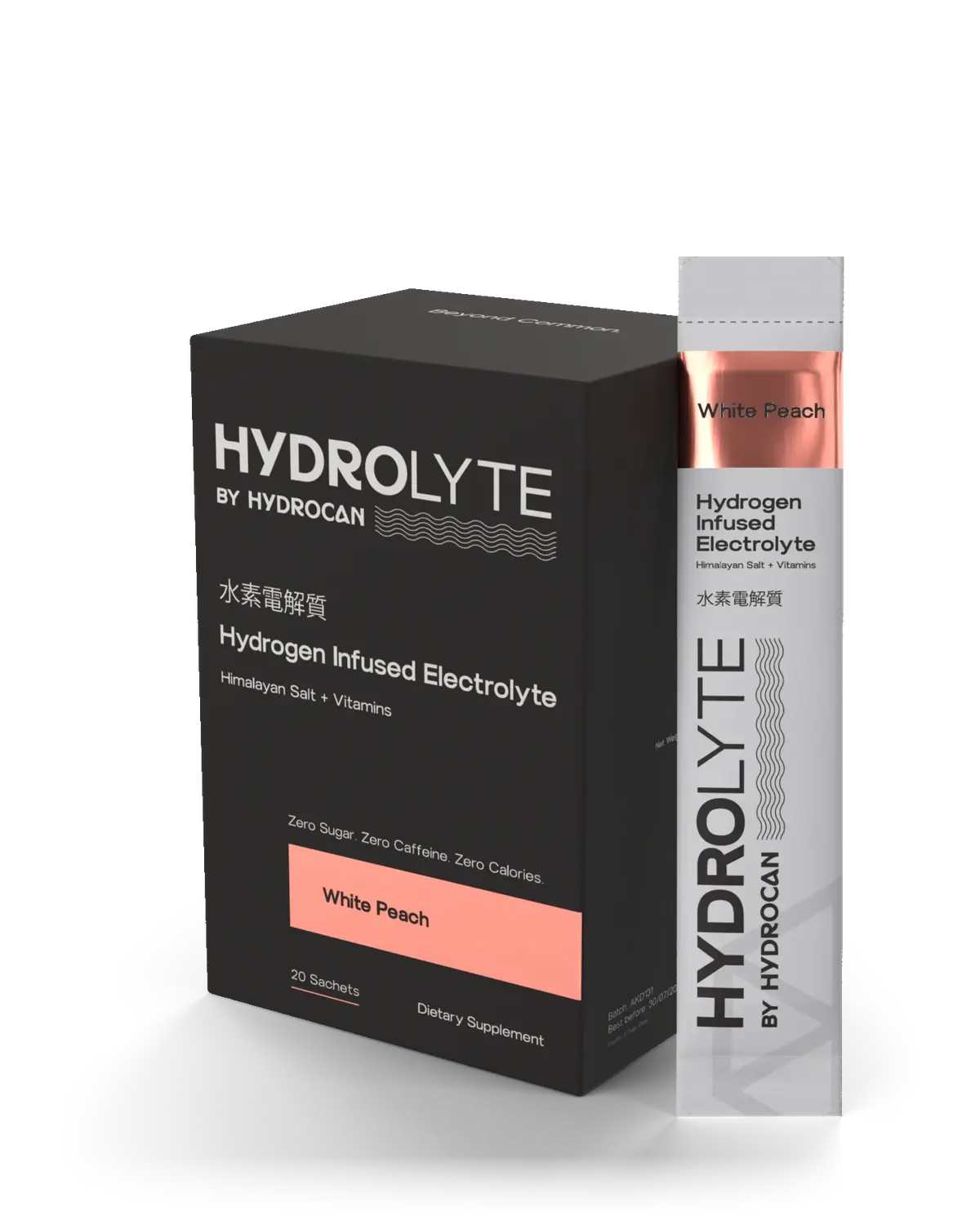
Tap Add a drink and pick a size, or tap Scan and point the camera at the code on a HydroCan or Hydrolyte sachet. Added one by mistake? Open Add a drink and delete it from today’s list.
Drinks you log are also saved to Apple Health as water, if you allowed it.
How the numbers work
Your daily need starts from your weight, then adds sweat from your training and the heat where you are, and catches up on yesterday. Tap “How it’s worked out” on Today to see each part. Everything is an estimate. The science pages list the studies behind it.
Clubs
Start a club in the Club tab and share the code, or join with a friend’s code. Members see only your club name, daily level, days on plan and splashes. You can splash each member once a day. To report a name, or hide a member from your view, tap Report or hide on their card. We review every report within 24 hours. To leave, tap Leave on the club.
Your account and data
New phone
Sign in with the same account and your data comes back from your backup.
Forgot your password
On the sign-in screen, type your email and tap Forgot password. We email you a link to set a new one. Signed in with Apple? There is no password to remember.
Orders and subscriptions
Open the Shop tab, then My orders, to see your orders and pause or cancel a subscription. On the website, sign in with the same email and password to see your orders and download invoices. For anything else about a website order, email support@hydrocanwater.com.
Delete your account
Open Settings and tap Delete account. Your account, backup and the data on your phone are deleted straight away. This cannot be undone. See the privacy policy for more.